





Live Chat

Domain Scan

(empty)

Login

How to Prevent Other Websites from Embedding Your Site Using iFrames
(15-aug-2025)
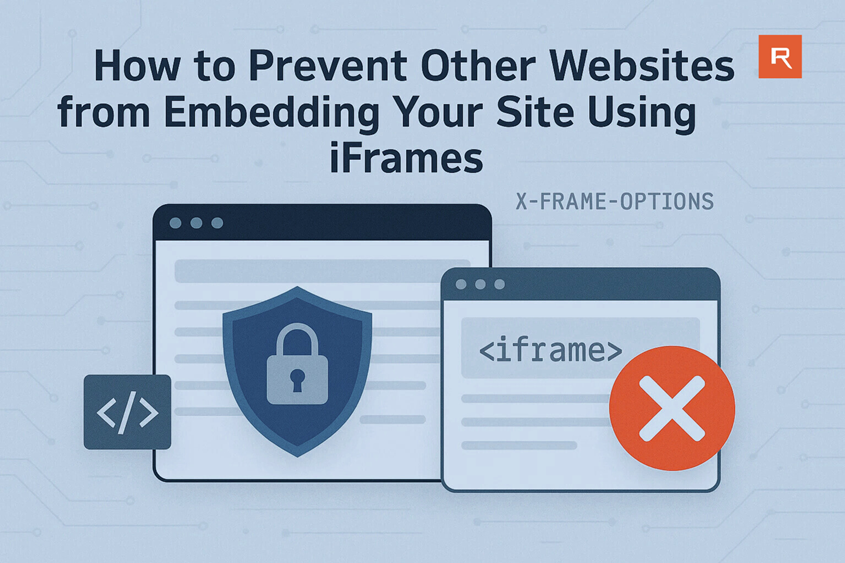
When another website shows your web pages inside their own site using an <iframe>, this is called framing or embedding. While it might seem harmless, unauthorized embedding can cause serious problems. It can confuse your visitors into thinking your content belongs to another site, allow third parties to display ads or malicious overlays over your pages, steal your web traffic, damage your brand's reputation, or even enable phishing attacks using your legitimate content.
How to Detect if Your Site Is Being Embedded:
Check Your Website Logs
Most hosting providers offer access to raw logs or analytics tools like AWStats via cPanel. These logs help you spot suspicious referrer domains that might be embedding your site.
Step-by-Step: Check Referrers Using AWStats in cPanel
- Log in to your cPanel.
- Scroll down to the "Metrics" section and click on AWStats.
- Select the domain you want to analyze (Ex: yourdomain.com) and click the view icon next to it.
- Scroll down to the section titled "Links from an External Page (other websites except search engines)".
- This section shows which websites have sent traffic to your site. Look for unknown or suspicious domains you don't recognize.
Example: If you see a domain like strangeexample.com sending multiple requests and
you have no relationship with that domain, it might be embedding your site inside an iframe.
What to Look For:
- High number of hits from unfamiliar or unrelated domains
- Referrer URLs that contain suspicious paths like
/frame.htmlor/viewer.php - Generic or spammy domain names with no obvious relevance to your website
Pro Tip: After spotting a suspicious domain, try visiting it and inspect its source code
(right-click > View Page Source) to see if your website is embedded in an <iframe>.
How to prevent unauthorized Embedding using .htaccess
To block framing, you can send HTTP headers using your .htaccess file.
These headers tell the browser not to load your site inside an iframe unless allowed.
-
Option 1: Completely Block All Framing
This will prevent any site (including yours) from embedding your pages:
<IfModule mod_headers.c> Header always set X-Frame-Options "DENY" </IfModule> -
Option 2: Allow Only Your Own Domain
If you use iframes internally (Ex: for dashboards), this option limits embedding to your own domain:
<IfModule mod_headers.c> Header always set X-Frame-Options "SAMEORIGIN" </IfModule> -
Option 3: Use Content-Security-Policy (Recommended)
This modern method offers greater control and is supported by all major browsers. It works by using the frame-ancestors directive within the Content-Security-Policy header, which tells browsers exactly which parent sources (if any) are allowed to embed your site using <iframe>, <object>, or <embed> elements.
<IfModule mod_headers.c> Header always set Content-Security-Policy "frame-ancestors 'self';" </IfModule> -
Option 4: Allow Trusted Sites Only
To allow specific sites (Ex: trusted services or payment platforms), modify the policy like this:
<IfModule mod_headers.c>
  Header always set Content-Security-Policy "frame-ancestors 'self' https://trustedsite.com;"
</IfModule>
Replace
https://trustedsite.comwith the actual domain you want to allow.
Note: Always back up your
.htaccessfile before editing. Changes take effect immediately, and incorrect rules may block legitimate access.
Conclusion
Unauthorized embedding can affect your site's trustworthiness, security, and user experience. Fortunately, by adding just a few lines to your .htaccess file, you can protect your content from being misused in iframes -even on shared hosting platforms. Secure your site today to stay in control of how your content is displayed across the web.
By taking a few minutes to secure your site against iframe embedding, you not only protect your content, but also reinforce your site's credibility, user trust, and brand integrity.
 Written by: Register.lk Support Hero - Vinan