




Live Chat

Domain Scan

(empty)

Login

10 Website Security Features Every Modern Website Must Have
(01-jul-2025)
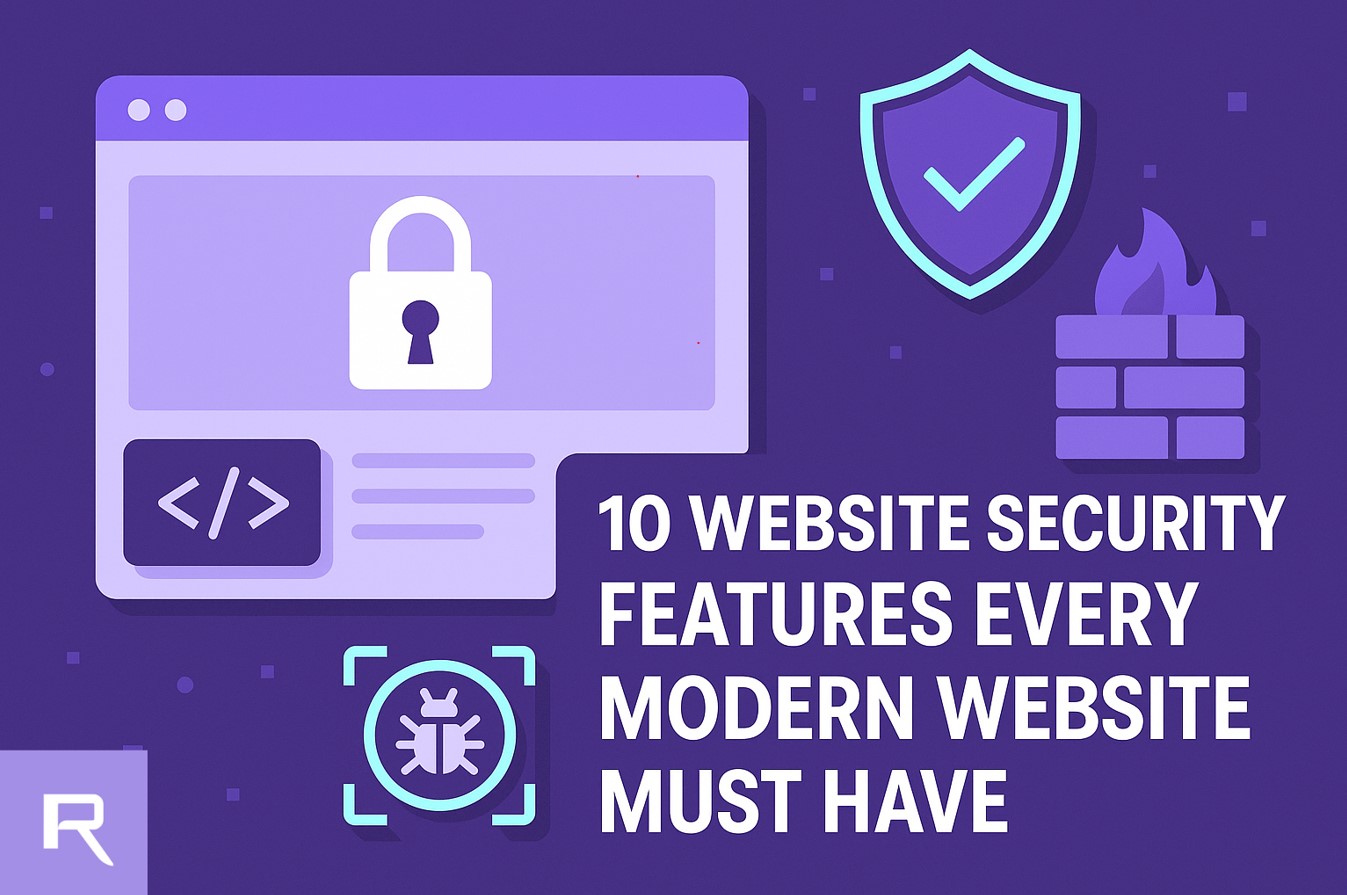
In today's digital world, website security is not just for big tech companies, it's essential for everyone. Whether you're running a personal blog, an eCommerce store, or a corporate site, cyberattacks can strike anytime, and the damage can be costly. That's why your website must be equipped with these 10 essential security features to stay protected, build user trust, and ensure consistent uptime.
-
SSL/TLS Certificates - The First Layer of Trust
Why it matters: An SSL/TLS certificate encrypts the data exchanged between your website and visitors, protecting sensitive information like login credentials, payment details, and form inputs.
Implementation Tips:
- Use TLS 1.3 for faster, more secure encryption.
- Set HSTS headers to enforce secure connections via HTTPS across all pages.
For Register.lk Users: Every hosting plan includes a free SSL certificate. You can easily activate it via cPanel > SSL/TLS Status > Run auto SSL.
-
DDoS Protection - Stay Online When It Counts
Why it matters: Distributed Denial of Service (DDoS) attacks flood your server with traffic, causing downtime and making your website inaccessible to legitimate visitors.
Implementation Tips:
- Enable rate limiting to restrict excessive requests.
- Use IP blocking or geo-blocking during attacks.
For Register.lk Users: DDoS protection is supported in all hosting packages offered by Register.lk
-
Regular Software Updates - Plug the Security Holes
Why it matters: Outdated software is one of the most exploited security risks. Hackers often target vulnerabilities in old CMS versions, plugins, and themes.
Implementation Tips:
- Enable auto-updates for WordPress, themes, and plugins.
- Manually check for updates if auto-update is not available.
For Register.lk Users: Use Softaculous in cPanel to manage and automate updates for WordPress and other platforms.
-
Secure File Permissions - Protect Your Website's Core
Why it matters: Incorrect file permissions can allow unauthorized users to read, write, or execute sensitive files.
Implementation Tips:
- Use permission 755 for directories and 644 for files.
- Secure critical files like .htaccess, wp-config.php, and database configuration files.
For Register.lk Users: You can manage permissions directly via cPanel > File Manager.
-
Two-Factor Authentication (2FA) - Lock Down Admin Access
Why it matters: 2FA adds a second step to the login process, ensuring that even if someone steals your password, they can't access your account without the second verification.
Implementation Tips:
- Use mobile apps like Google Authenticator or Authy.
- Enforce 2FA for all administrator and editor accounts.
For Register.lk Users: 2FA is available in cPanel's Security Settings and can be enabled for admin logins.
-
Manual Backups - Your Safety Net Against Disaster
Why it matters: Backups allow you to restore your website in case of accidental deletion, hacking, or technical failure.
Implementation Tips:
- Schedule regular manual backups.
- Store them securely in an off-site or cloud location.
- Delete old backups from hosting space to maintain performance.
For Register.lk Users: Use cPanel's Backup feature to generate full or partial backups of your website files and databases.
-
Controlled Access Management - Keep Control in the Right Hands
Why it matters: Restricting access to your domain, hosting, and backend systems is crucial for minimizing risk. Not every team member or developer needs full access-limiting privileges helps prevent accidental changes or intentional misuse.
Implementation Tips:
- Assign roles based on necessity-grant only the minimum level of access required for each user.
- Use multi-factor authentication (MFA) for all admin-level accounts.
- Regularly review access logs and revoke permissions no longer needed.
For Register.lk Users: Use the admin panel to assign user-specific roles and limit sensitive operations to trusted personnel only.
Read on How to Safely Share Access to Your Website with Your Developer
-
Malware Scanning and Removal - Detect Threats Before They Spread
Why it matters: Malware can silently damage your website's reputation, infect visitors, or steal sensitive data.
Implementation Tips:
- Scan your website weekly using reliable tools.
- Quarantine or remove malicious files immediately.
For Register.lk Users: ImunifyAV is available within cPanel to scan your hosting account for malware and vulnerabilities.
-
Content Security Policy (CSP) - Take Control of Script Behavior
Why it matters: A CSP restricts what scripts can run on your website, drastically reducing the risk of cross-site scripting (XSS) attacks.
For Register.lk Users: Modify your CSP settings by editing the .htaccess file using cPanel > File Manager.
-
Secure Database Management - Protect the Heart of Your Website
Why it matters: Databases store your most valuable content, user data, orders, blog posts, and settings. A breach can lead to identity theft or complete data loss.
Implementation Tips:
- Use strong, unique passwords for each database.
- Restrict database access to localhost only.
- Sanitize all user inputs to block SQL injection.
For Register.lk Users: Manage your databases securely using cPanel > Manage My databases or phpMyAdmin.
Conclusion
Cybersecurity isn't just a technical checkbox, it's a commitment to your users, your content, and your brand's integrity. Whether you're hosting your website with Register.lk or any other provider, adopting these 10 essential features will help you prevent security breaches, protect sensitive data, and maintain website availability.
Security is an ongoing process, not a one-time task. Stay proactive, keep your software updated, and use the tools at your disposal, your website's future depends on it.
 Written by: Register.lk Support Hero - Vonara
 28-May-2026
 26-May-2026
 05-May-2026