






Live Chat

Domain Scan

(empty)

Login

Fixing Email Delivery Issues: SPF, DKIM, and Blacklist Removal Explained
(22-aug-2025)
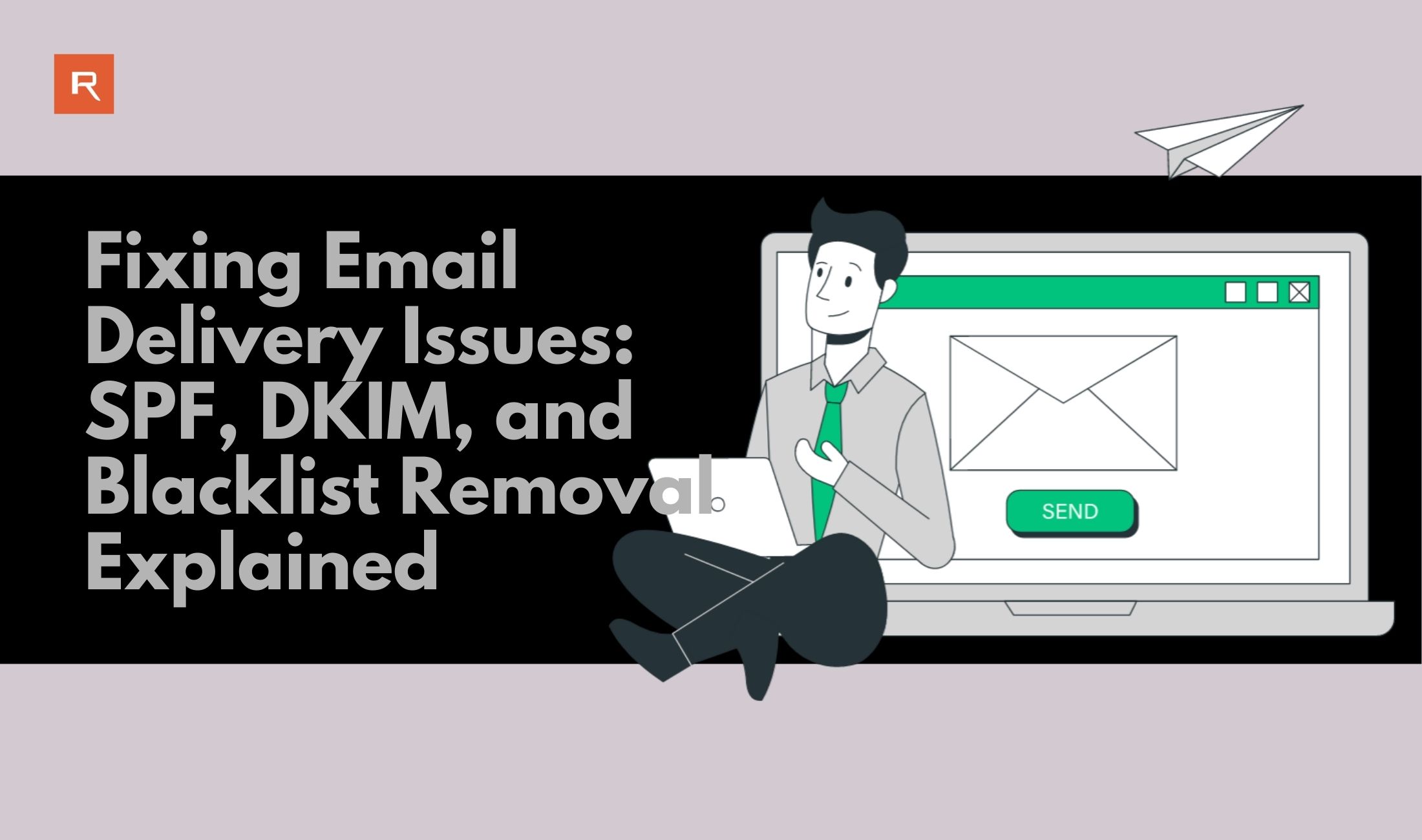
In today's digital world, email remains one of the most powerful communication tools. However, nothing is more frustrating than seeing your carefully crafted emails land in the spam folder or bounce back entirely. This not only impacts your credibility but can also harm your relationship with clients or subscribers. The good news? These issues are often caused by improper email authentication or a poor sender reputation-and both can be fixed.
In this blog, we'll explain why emails end up in spam, what SPF and DKIM records are, and how to remove your domain from email blacklists.
Why Do Emails Go to Spam or Bounce?
Your emails might be marked as spam or rejected for several reasons, including:
1. Lack of Proper Authentication
If your domain isn't verified with SPF and DKIM records, receiving servers can't confirm that your email is legitimate. This increases the chances of it being flagged as spam.
2. Poor Sender Reputation
Sending bulk emails, using spammy subject lines, or receiving too many complaints can damage your reputation. ISPs (Internet Service Providers) monitor sender behavior to determine if emails are trustworthy.
3. Blacklisted IP or Domain
If your domain or server IP is blacklisted due to past spamming or compromised accounts, emails may be blocked entirely.
4. Improper Email Content
Overuse of promotional words like "FREE" or suspicious links/images can trigger spam filters.
5. Misconfigured Email Servers
A poorly configured mail server without correct reverse DNS or missing DMARC policy can raise red flags.
What Are SPF and DKIM?
SPF is like a security guard for your emails. It tells receiving servers which IP addresses are allowed to send emails on behalf of your domain. By publishing an SPF record in your DNS, you reduce the risk of spammers forging your domain name.
Example of an SPF record:
v=spf1 include:_spf.google.com ~all
DKIM works by adding a digital signature to your emails. This signature is verified against a public key in your DNS records, ensuring the email hasn't been altered in transit and truly comes from your domain.
Why is DKIM important?
- It improves email deliverability.
- It helps prevent email spoofing and phishing attacks.
The Role of DMARC (Bonus Tip)
While SPF and DKIM are essential, DMARC adds an extra layer of protection. It instructs receiving mail servers on how to handle messages that fail SPF or DKIM checks-whether to quarantine them or reject them.
How to Remove Your Domain from Blacklists
If your domain or IP has ended up on a blacklist, don't panic! Here's how to fix it:
1. Identify the Blacklist
Use tools like MXToolbox to see if your domain or IP is flagged.
2. Resolve the Root Cause
Clean up spam-like content, secure compromised accounts, and ensure you're not sending bulk unsolicited emails.
3. Request Removal
Most blacklist websites have a removal process. Follow their instructions carefully to get delisted.
4. Monitor Your Reputation
Regularly check your domain reputation and email deliverability using tools like Google Postmaster.
Best Practices to Avoid Future Email Issues
- Always authenticate your domain with SPF, DKIM, and DMARC.
- Use a dedicated IP for large campaigns.
- Avoid spammy content, excessive links, and large attachments.
- Maintain a clean mailing list-remove inactive or invalid emails.
- Regularly monitor your domain/IP for blacklist entries.
Conclusion
Email deliverability is crucial for maintaining trust and ensuring your messages reach the right inbox. Setting up SPF and DKIM records correctly can dramatically improve your success rate, while proactive monitoring prevents issues like blacklisting. If you want hassle-free domain email hosting with built-in SPF, DKIM, and advanced email security, choose Register.lk-Sri Lanka's #1 hosting and domain provider. With us, your emails are not just delivered but trusted.
Take control of your email reputation today-set up SPF and DKIM, monitor blacklists, and ensure every email you send earns its place in the inbox.
 Written by: Register.lk Support Hero - Yusuf


 05-May-2026
 25-Apr-2026
 01-Apr-2026